This document is autogenerated from generate_ui_documentation.py. Do not edit this document directly.
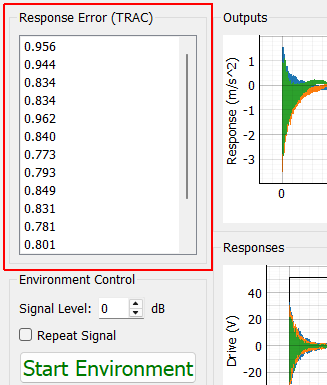
Response Error (TRAC) Time Response Assurance Criterion between the measured and desired signals.
Signal Level A scale factor applied to the target signals.
Repeat Signal If checked, the signal will continually repeat until manually stopped. If unchecked, the environment will automatically stop when the signal is done.
Start Environment Start the environment to control to the desired transient signal
Stop Environment Stop the environment manually. The signal will ramp down using the Ramp Time specified on the Environment Definition tab to prevent a hard stop that could potentially damage test equipment or articles.
Save Current Control Data Opens a file dialog to save the current control data to a file.
Outputs Plot Displays the recently acquired output signals. For long transients, displaying too much data on the screen at once can cause performance issues, so the amount of data plotted can be specified with the Display Duration selector.
Responses Plot Displays the recently acquired control signals. For long transients, displaying too much data on the screen at once can cause performance issues, so the amount of data plotted can be specified with the Display Duration selector.
Display Duration Sets the maximum amount of data that will be displayed on the plot to improve performance for long transients. Setting this value to zero will display the entirety of the signals.
Control Channel Selects an individual response channel to visualize.
Create Window Create a window to show the signal specified by the Control Channel selector
Show All Control Channels Creates a new window for all control channels so each control channel can be visualized independently against the specification.
Tile All Windows Tiles all visualization windows across the main monitor
Close All Windows Closes all existing visualization windows
Response Error (TRAC)
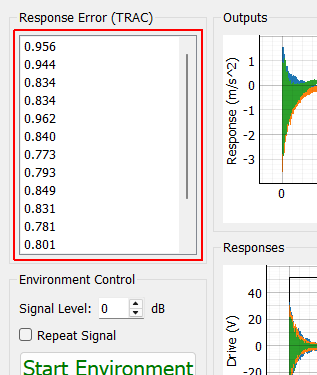
Response Error (TRAC) Time Response Assurance Criterion between the measured and desired signals.
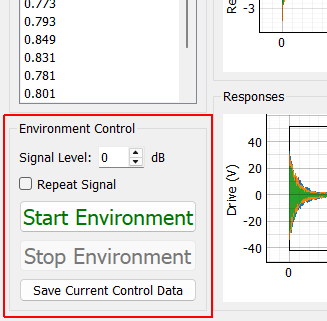
Environment Control
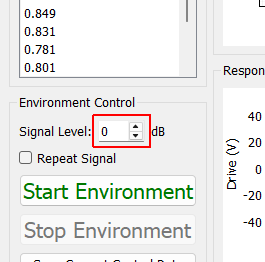
Signal Level A scale factor applied to the target signals.
Repeat Signal If checked, the signal will continually repeat until manually stopped. If unchecked, the environment will automatically stop when the signal is done.
Start Environment Start the environment to control to the desired transient signal
Stop Environment Stop the environment manually. The signal will ramp down using the Ramp Time specified on the Environment Definition tab to prevent a hard stop that could potentially damage test equipment or articles.
Save Current Control Data Opens a file dialog to save the current control data to a file.
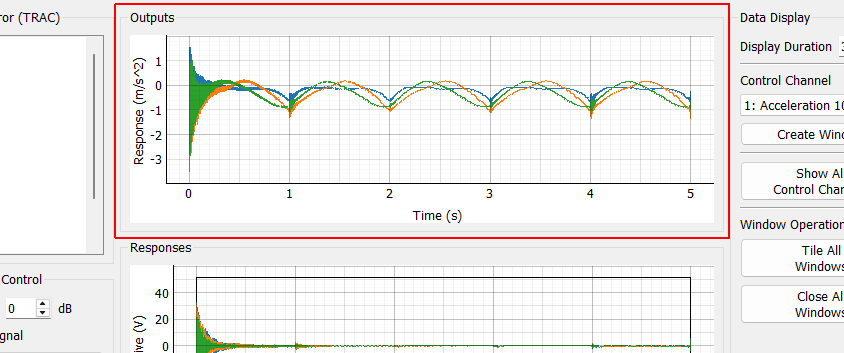
Outputs
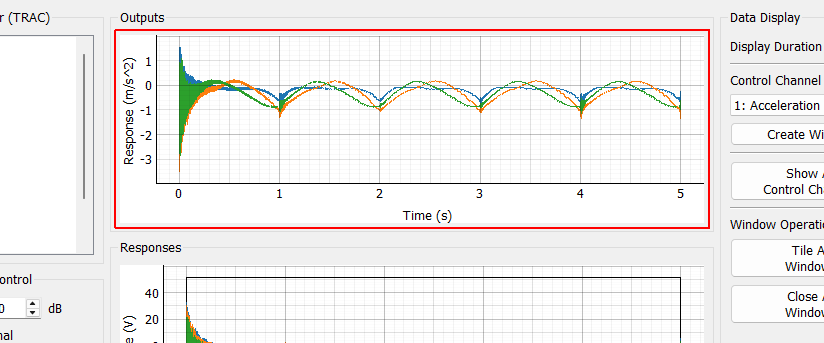
Outputs Plot Displays the recently acquired output signals. For long transients, displaying too much data on the screen at once can cause performance issues, so the amount of data plotted can be specified with the Display Duration selector.
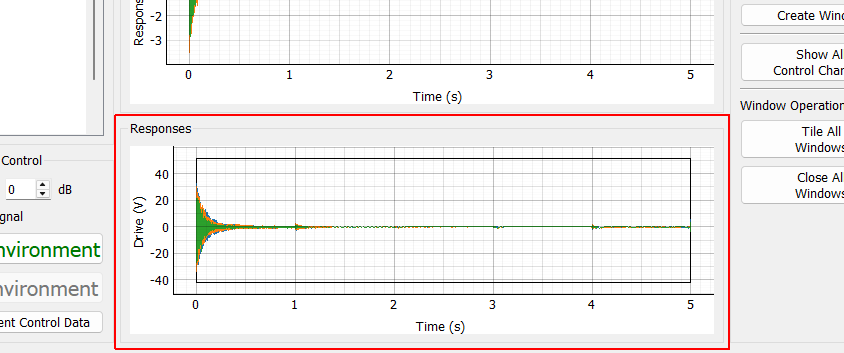
Responses
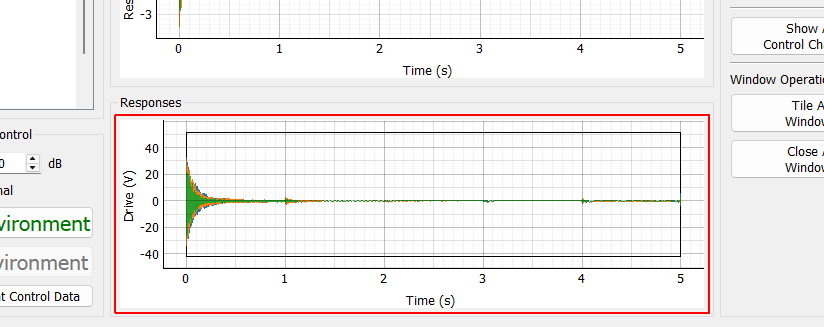
Responses Plot Displays the recently acquired control signals. For long transients, displaying too much data on the screen at once can cause performance issues, so the amount of data plotted can be specified with the Display Duration selector.
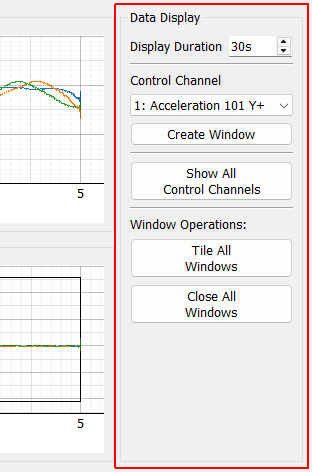
Data Display
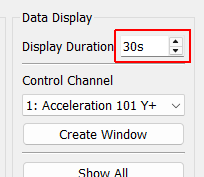
Display Duration Sets the maximum amount of data that will be displayed on the plot to improve performance for long transients. Setting this value to zero will display the entirety of the signals.
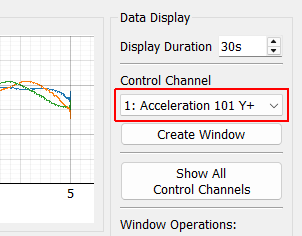
Control Channel Selects an individual response channel to visualize.
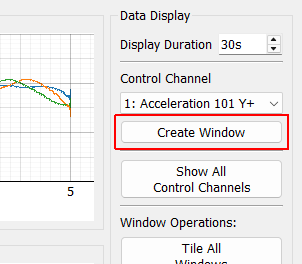
Create Window Create a window to show the signal specified by the Control Channel selector
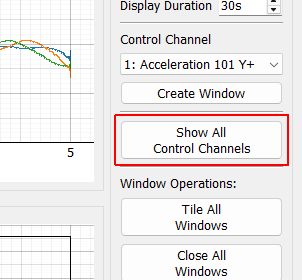
Show All Control Channels Creates a new window for all control channels so each control channel can be visualized independently against the specification.
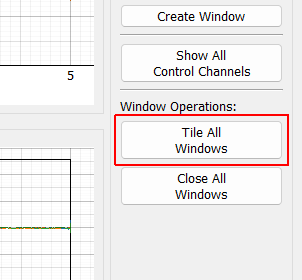
Tile All Windows Tiles all visualization windows across the main monitor
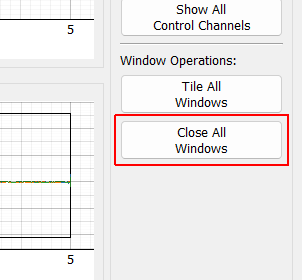
Close All Windows Closes all existing visualization windows