This document is autogenerated from generate_ui_documentation.py. Do not edit this document directly.
Signal Samples The number of samples in the loaded signal
Signal Time The time in seconds that the signal will take to generate
Sample Rate Sample rate of the data acquisition system. This is for display only; the sample rate is set on the Data Acquisition Parameters tab
Ramp Time If the environment is cancelled manually, this is the time taken to reduce the signal to zero to prevent a hard stop of the excitation system, which could damage test equipment or articles.
Input Channels A display showing the total number of physical channels this environment is measuring, including excitation channels and control channels.
Output Channels A display showing the total number of physical channels this environment is outputting to excitation devices such as vibration shakers.
Control Channels A display showing the total number of physical channels this environment is controlling to.
Control Python Script Python script used to specify the control law.
Load Opens a file dialog to load in a Python script containing the control law.
Control Parameters Any additional parameters needed by the control law are entered in this text box. It is up to the control law to prescribe what is needed to be defined in this box. The data entered into this box will be passed to the control law as a string to the “extra_parameters” argument. Control laws should parse this string to extract needed information.
Control Python Function Selects the function, generator function, or class in the Python script to use as the control law.
Control Type Select if the selected control law is a Function, Generator, Class, or Interactive Class. This should be detected automatically by inspection; users should not have to adjust this.
Control Channels Channels that are checked will be used as the control channels for this environment. The control channels should be ordered in the specification the same way they are ordered in this list. For example, the first row and column of the specification CPSD matrix will correspond to the first checked channel in this list.
Check Selected When clicked, any selected channels in the Control Channels list will be checked, and therefore used as control channels in the environment.
Uncheck Selected When clicked, any selected channels in the Control Channels list will be unchecked, and therefore not used as control channels in the environment.
Transformation Matrices... Open the transformation matrix dialog to allow specification of transformations to virtual control or virtual excitation channels.
Transform Controls A display showing the number of virtual control channels in the environment due to transformation matrices applied to the physical control channels.
Transform Outputs A display showing the number of virtual excitation channels in the environment due to transformation matrices applied to the physical excitation channels.
Load Signal Opens a file dialog allowing the user to select a file containing the signals that will be used as the control targets for this environment.
Signal Filename Filename from which the control signal was loaded
Specification Plot Displays the time signals that the environment will try to reproduce on the control channels. Individual signals can be displayed or hidden by checking the relevant box in the Specification Signal Table.
Specification Signal Table A table showing the different signals defined in the specification. Individual signals can be shown or hidden by checking or unchecking the check box in the Show? column.
Show All Shows all signals in the specification plot
Show None Hides all channels in the specification plot
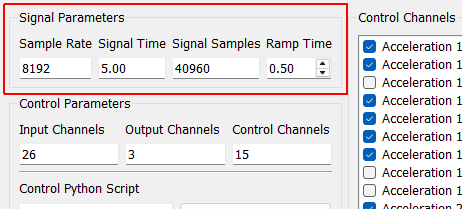
Signal Parameters
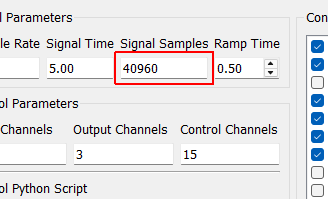
Signal Samples The number of samples in the loaded signal
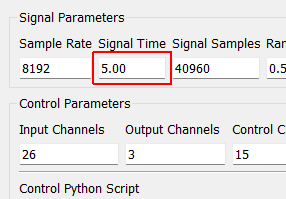
Signal Time The time in seconds that the signal will take to generate
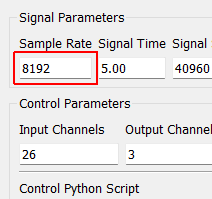
Sample Rate Sample rate of the data acquisition system. This is for display only; the sample rate is set on the Data Acquisition Parameters tab
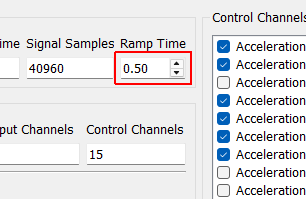
Ramp Time If the environment is cancelled manually, this is the time taken to reduce the signal to zero to prevent a hard stop of the excitation system, which could damage test equipment or articles.
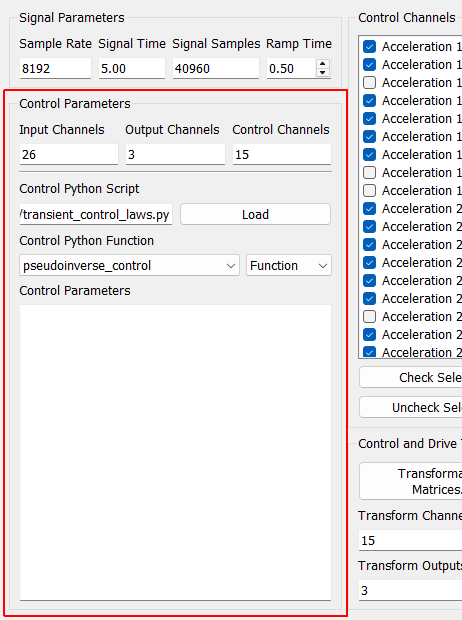
Control Parameters
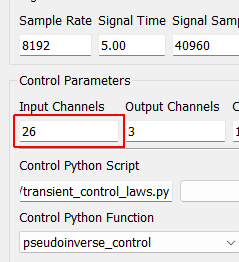
Input Channels A display showing the total number of physical channels this environment is measuring, including excitation channels and control channels.
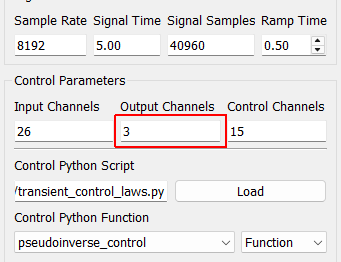
Output Channels A display showing the total number of physical channels this environment is outputting to excitation devices such as vibration shakers.
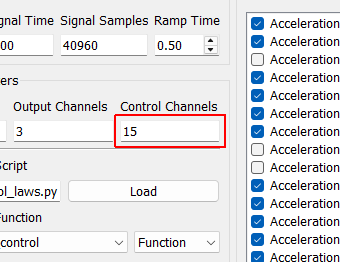
Control Channels A display showing the total number of physical channels this environment is controlling to.
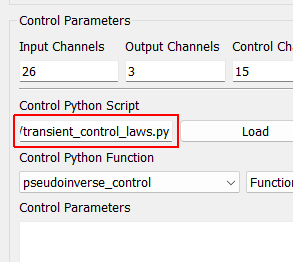
Control Python Script Python script used to specify the control law.
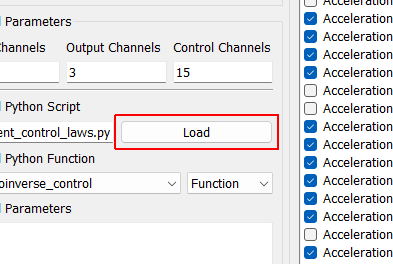
Load Opens a file dialog to load in a Python script containing the control law.
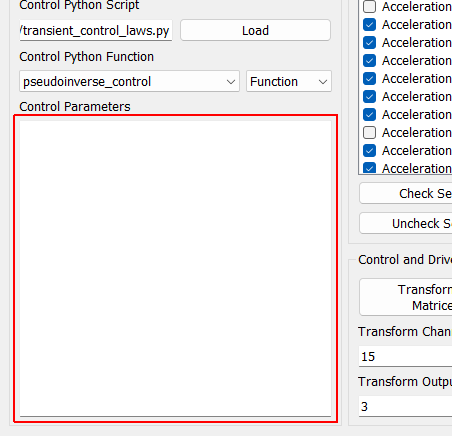
Control Parameters Any additional parameters needed by the control law are entered in this text box. It is up to the control law to prescribe what is needed to be defined in this box. The data entered into this box will be passed to the control law as a string to the “extra_parameters” argument. Control laws should parse this string to extract needed information.
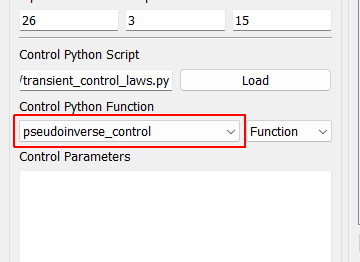
Control Python Function Selects the function, generator function, or class in the Python script to use as the control law.
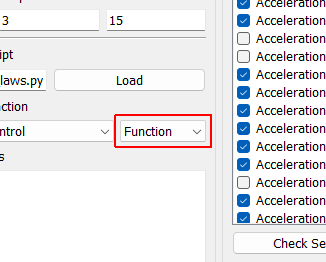
Control Type Select if the selected control law is a Function, Generator, Class, or Interactive Class. This should be detected automatically by inspection; users should not have to adjust this.
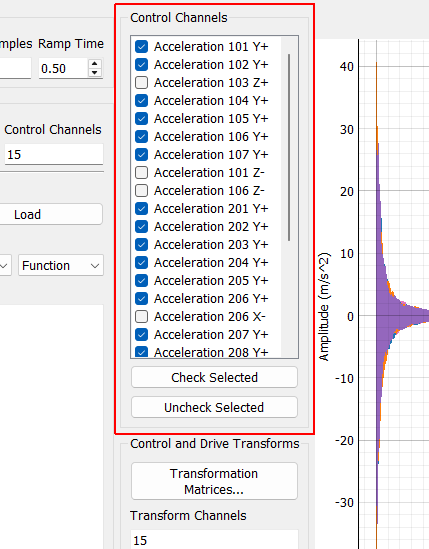
Control Channels
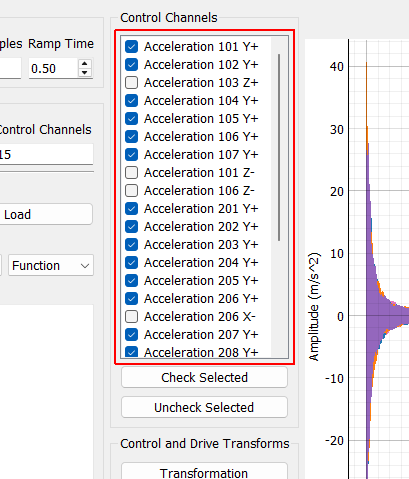
Control Channels Channels that are checked will be used as the control channels for this environment. The control channels should be ordered in the specification the same way they are ordered in this list. For example, the first row and column of the specification CPSD matrix will correspond to the first checked channel in this list.
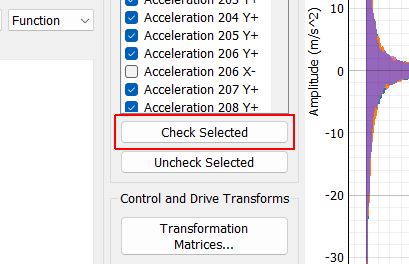
Check Selected When clicked, any selected channels in the Control Channels list will be checked, and therefore used as control channels in the environment.
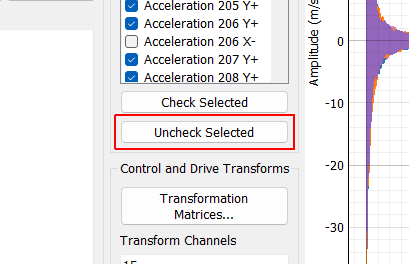
Uncheck Selected When clicked, any selected channels in the Control Channels list will be unchecked, and therefore not used as control channels in the environment.
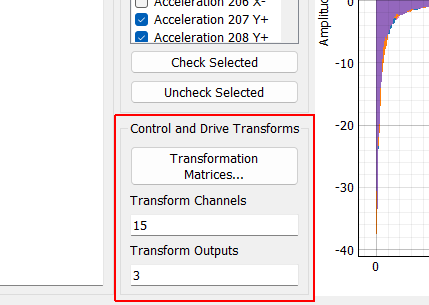
Control and Drive Transforms
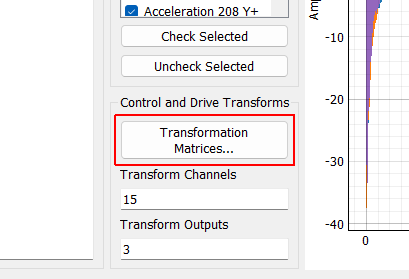
Transformation Matrices... Open the transformation matrix dialog to allow specification of transformations to virtual control or virtual excitation channels.
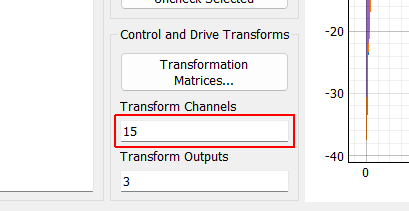
Transform Controls A display showing the number of virtual control channels in the environment due to transformation matrices applied to the physical control channels.
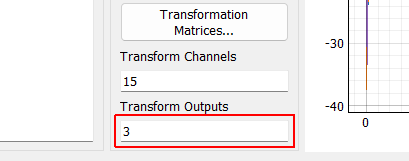
Transform Outputs A display showing the number of virtual excitation channels in the environment due to transformation matrices applied to the physical excitation channels.
Load Signal Opens a file dialog allowing the user to select a file containing the signals that will be used as the control targets for this environment.
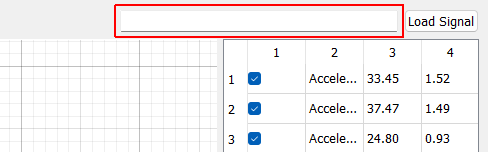
Signal Filename Filename from which the control signal was loaded
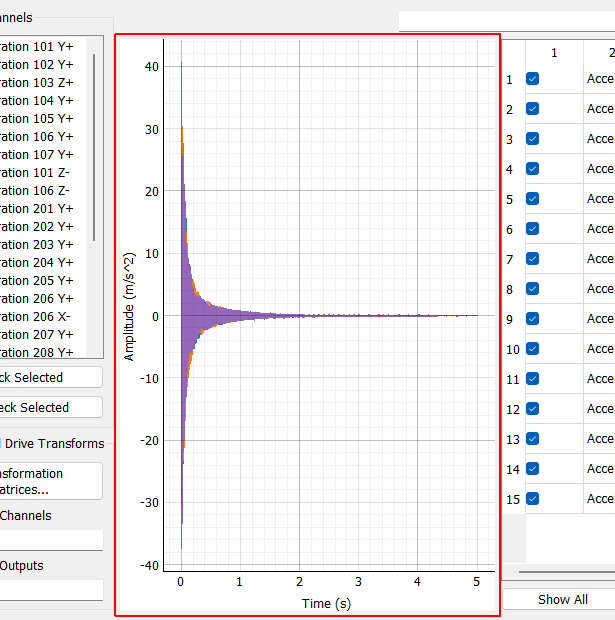
Specification Plot Displays the time signals that the environment will try to reproduce on the control channels. Individual signals can be displayed or hidden by checking the relevant box in the Specification Signal Table.
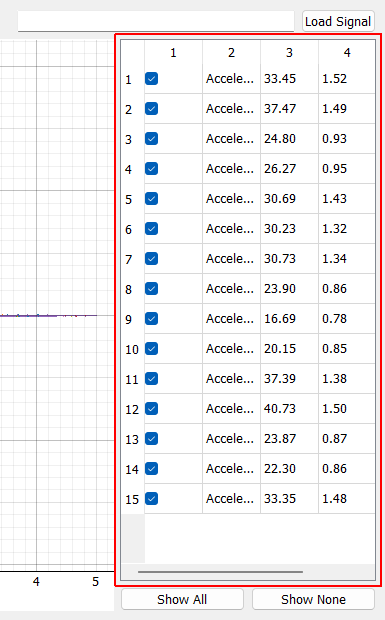
Specification Signal Table A table showing the different signals defined in the specification. Individual signals can be shown or hidden by checking or unchecking the check box in the Show? column.
Show All Shows all signals in the specification plot
Show None Hides all channels in the specification plot