This document is autogenerated from generate_ui_documentation.py. Do not edit this document directly.
Output Voltages (RMS) Current excitation voltages being output from the controller.
Response Error (dB) Current control RMS dB error. Double clicking on an item will open up a window showing that channel’s magnitude. Channels will be highlighted yellow if they hit a warning limit and red if they hit an abort limit.
Current Test Level Current test level in dB. 0 dB is the actual test level from the specification.
Target Test Level Target test level in dB. This can be used to automatically trigger streaming or used to stop the controller after a specified amount of time.
Total Test Time Total time that the environment has been running for.
Time at Level Time that the environment has been running at the current test level.
Environment Progress When the bar reaches 100%, the environment will stop automatically. Will not be active during a continuous run.
Continuous Run Run the environment until it is manually stopped.
Run Time Amount of time that the environment will run for.
Run for (timed run) Run the environment for a specified amount of time
at Target Test Level If checked, the timer will only run when the test is at the target test level.
Start Environment Starts the environment controlling to the specification.
Stop Environment Stops the environment manually
Save Current Spectral Data Saves current spectral data to a NetCDF4 file.
Sum of ASDs Display This plot shows the trace of the response CPSD matrix compared to the specification. This is essentially an “average” quantity, and individual channels may be higher or lower at each frequency line.
Control Channel 1 Row of the CPSD matrix to create a window for.
Control Channel 2 Column of the CPSD matrix to create a window for
Data Type Data type to display on the new visualization window.
Create Window Creates a new window to visualize the response of a given entry in the CPSD matrix with Control Channel 1 and Control Channel 2 specifying the row and column of the CPSD matrix, and Data Type specifying how the channel is displayed.
Show All Autospectral Densities Show Autospectral Densities (ASDs) for all control channels. This will create a window for every channel in the test.
Show All Spectral Densities (phase/coh) Show the entire CPSD matrix. This will show Autospectral Densities on the diagonal, and phase and coherence on the off-diagonals. WARNING: this will create a number of windows equal to the number of control channels squared, which for large tests could be a huge number of windows that can bog down the user interface of the software and make it unresponsive.
Show All Spectral Densities (real/imag) Show the entire CPSD matrix. This will show Autospectral Densities on the diagonal, and real and imaginary parts on the off-diagonals. WARNING: this will create a number of windows equal to the number of control channels squared, which for large tests could be a huge number of windows that can bog down the user interface of the software and make it unresponsive.
Tile All Windows Tiles all windows over the main monitor
Close All Windows Closes all visualization windows
Output Voltages (RMS)
Output Voltages (RMS) Current excitation voltages being output from the controller.
Response Error (dB)
Response Error (dB) Current control RMS dB error. Double clicking on an item will open up a window showing that channel’s magnitude. Channels will be highlighted yellow if they hit a warning limit and red if they hit an abort limit.
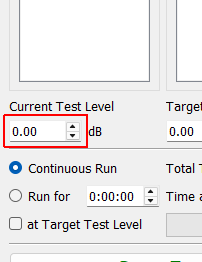
Current Test Level Current test level in dB. 0 dB is the actual test level from the specification.
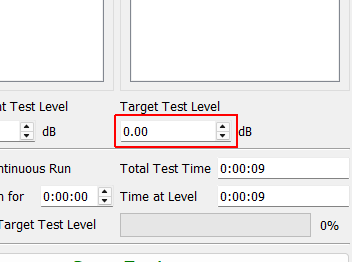
Target Test Level Target test level in dB. This can be used to automatically trigger streaming or used to stop the controller after a specified amount of time.
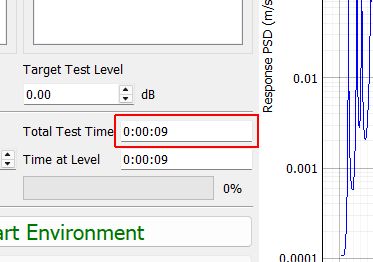
Total Test Time Total time that the environment has been running for.
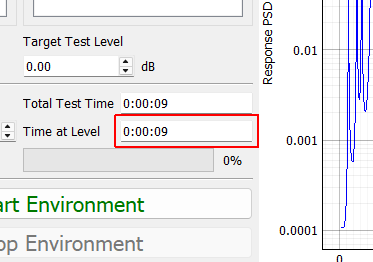
Time at Level Time that the environment has been running at the current test level.
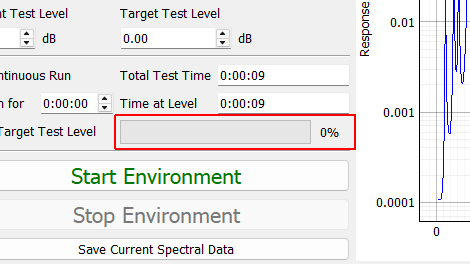
Environment Progress When the bar reaches 100%, the environment will stop automatically. Will not be active during a continuous run.
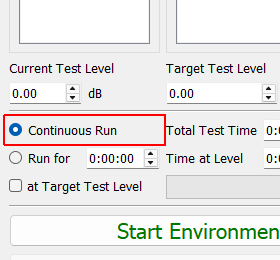
Continuous Run Run the environment until it is manually stopped.
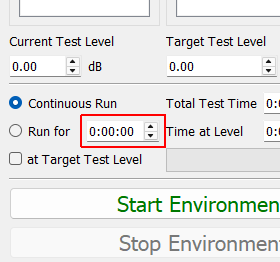
Run Time Amount of time that the environment will run for.
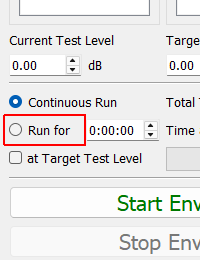
Run for (timed run) Run the environment for a specified amount of time
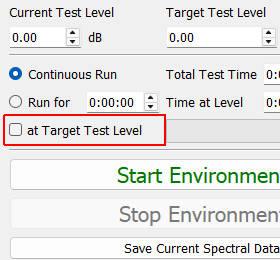
at Target Test Level If checked, the timer will only run when the test is at the target test level.
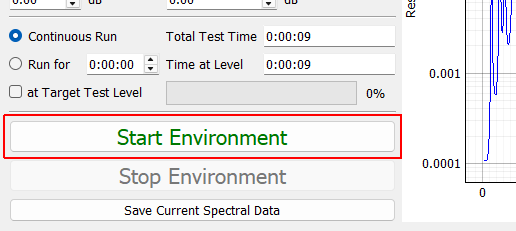
Start Environment Starts the environment controlling to the specification.
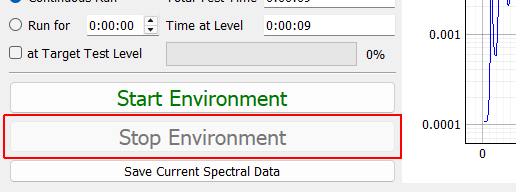
Stop Environment Stops the environment manually
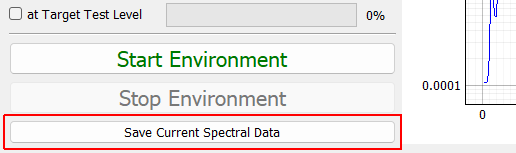
Save Current Spectral Data Saves current spectral data to a NetCDF4 file.
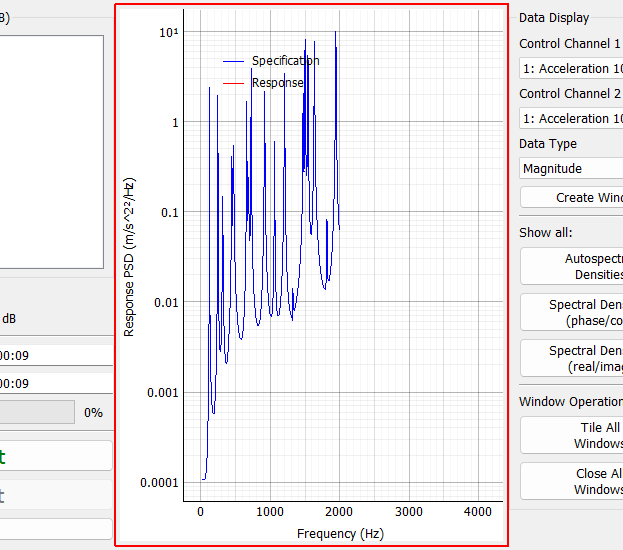
Sum of ASDs Display This plot shows the trace of the response CPSD matrix compared to the specification. This is essentially an “average” quantity, and individual channels may be higher or lower at each frequency line.
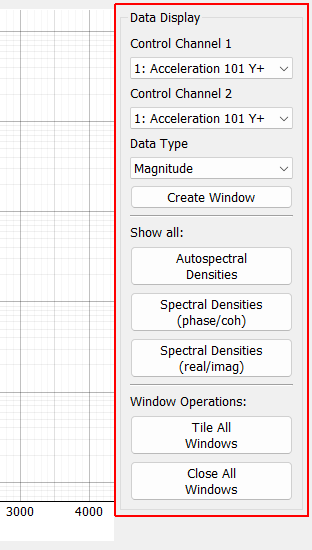
Data Display
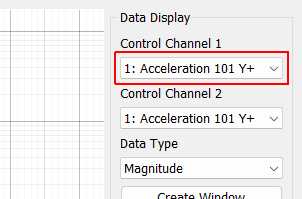
Control Channel 1 Row of the CPSD matrix to create a window for.
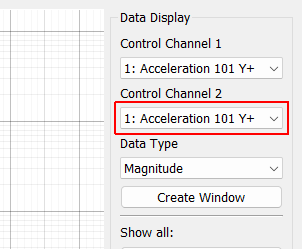
Control Channel 2 Column of the CPSD matrix to create a window for
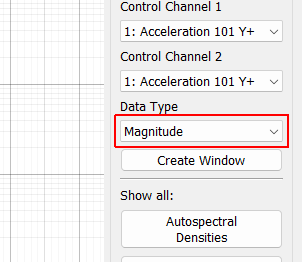
Data Type Data type to display on the new visualization window.
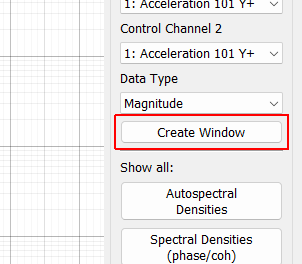
Create Window Creates a new window to visualize the response of a given entry in the CPSD matrix with Control Channel 1 and Control Channel 2 specifying the row and column of the CPSD matrix, and Data Type specifying how the channel is displayed.
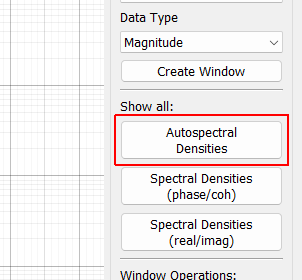
Show All Autospectral Densities Show Autospectral Densities (ASDs) for all control channels. This will create a window for every channel in the test.
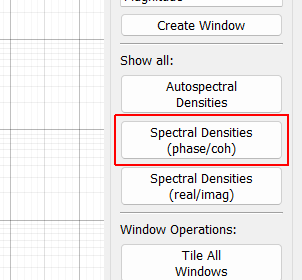
Show All Spectral Densities (phase/coh) Show the entire CPSD matrix. This will show Autospectral Densities on the diagonal, and phase and coherence on the off-diagonals. WARNING: this will create a number of windows equal to the number of control channels squared, which for large tests could be a huge number of windows that can bog down the user interface of the software and make it unresponsive.
Show All Spectral Densities (real/imag) Show the entire CPSD matrix. This will show Autospectral Densities on the diagonal, and real and imaginary parts on the off-diagonals. WARNING: this will create a number of windows equal to the number of control channels squared, which for large tests could be a huge number of windows that can bog down the user interface of the software and make it unresponsive.
Tile All Windows Tiles all windows over the main monitor
Close All Windows Closes all visualization windows